

Bitcoin wallet tracker
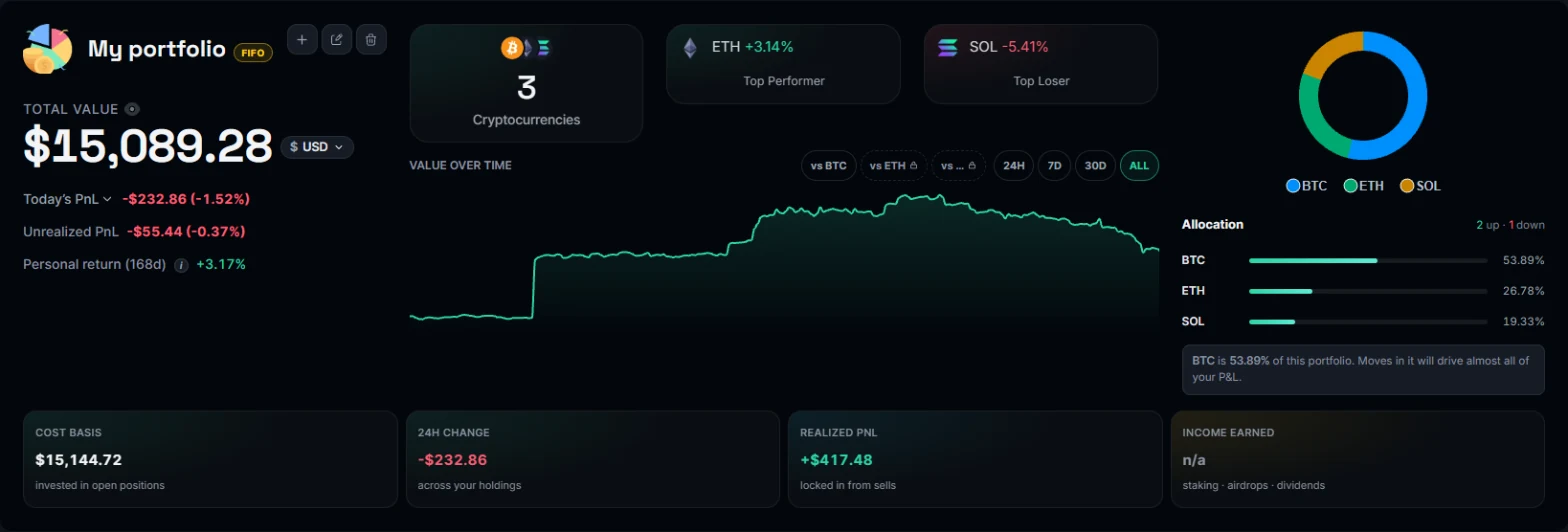
Paste a Bitcoin address and Coinfolytics brings in its whole history, then shows what it holds, what it cost at each moment and what it has made.
Updated
How it works
Sign up with Google or an email address, and confirm the email. Imports need a confirmed address.
Make a portfolio, choose Import a wallet and paste your Bitcoin address. Nothing else is asked for.
A small wallet is done in seconds. A large one keeps importing in the background, and the portfolio page shows how far it has got.
What you get
Your Bitcoin, counted the way the profit figures need.
Each coin received or sent is a transfer in or out at its moment, so moving bitcoin between your own wallets is no gain or loss.
Each deposit is valued at the price of its time, so your cost basis and profit are real.
See the address's value and profit in dollars, euros or the currency you pick.
An address is checked before anything is read, so a typo is caught at once.
Find your Bitcoin address
Open your wallet and choose Receive.
- bc1q or bc1p. Native SegWit and Taproot addresses, the most common today.
- Starting with 1 or 3. Older formats, still in use. Both work.
- A new address each time. Many wallets show a fresh address each time you receive, and each holds its own coins. Paste the wallet's xpub, ypub or zpub to read them all as one wallet.
Bitcoin on an exchange
Coins held on an exchange are in the exchange's own wallets, so they are not on your address.
- Binance. Import Binance's trade history file.
- Other exchanges. Use our CSV template with the exchange's trades.
One address or a whole wallet
Paste one address, or your wallet's extended public key (xpub, ypub or zpub) to read all its addresses together. A multisig wallet's key (Ypub, Zpub) isn't read as one yet.